

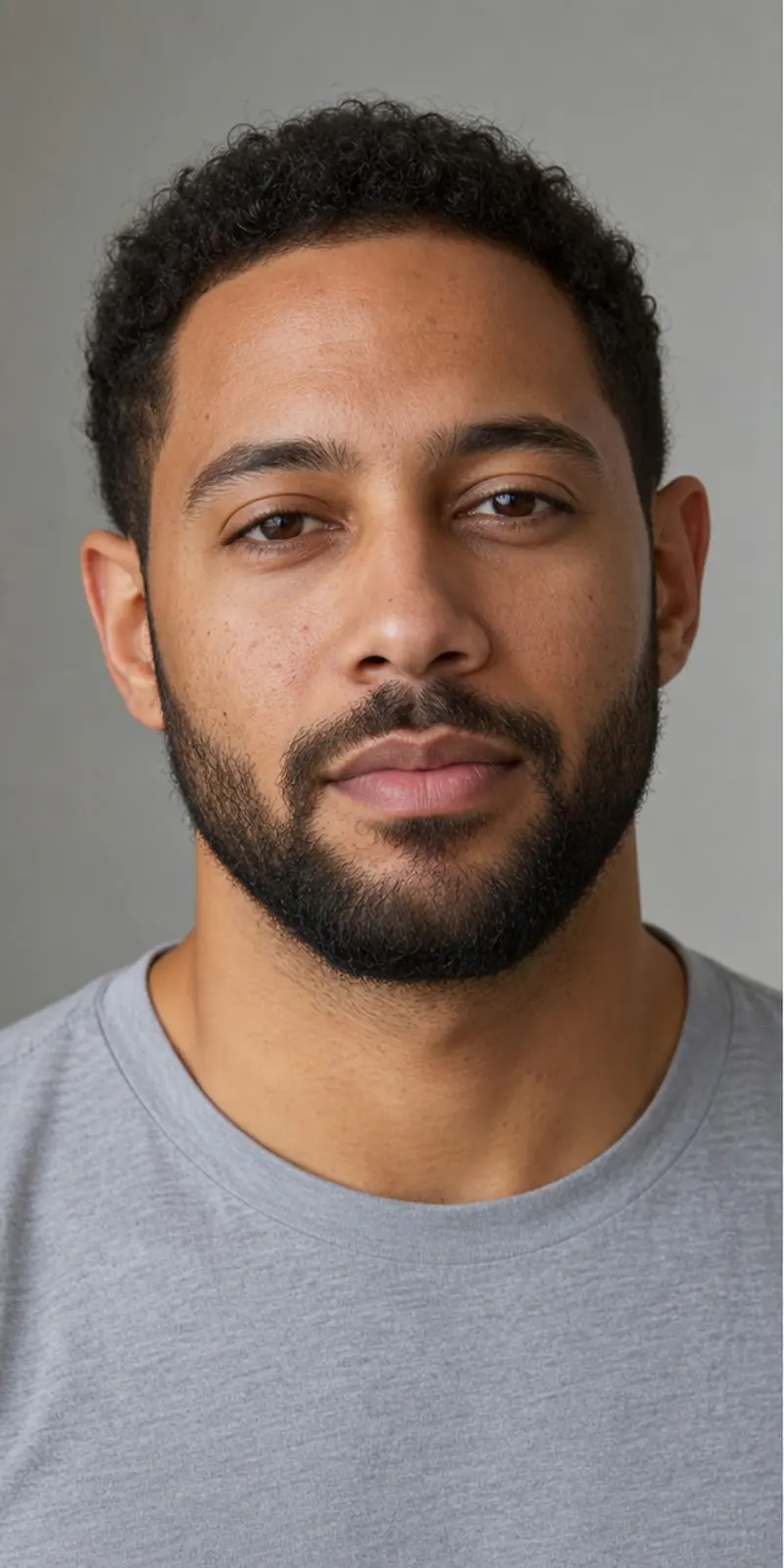
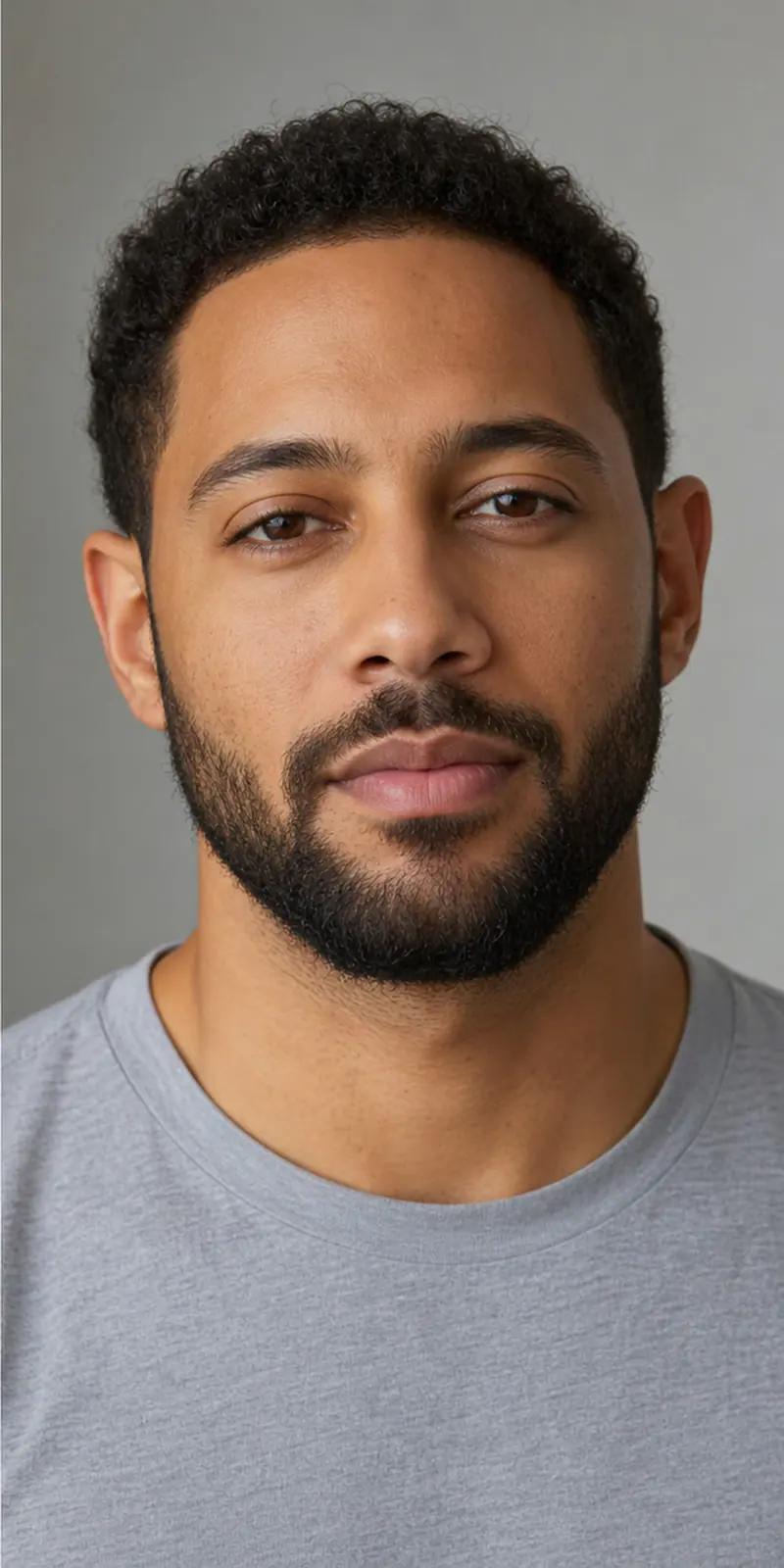
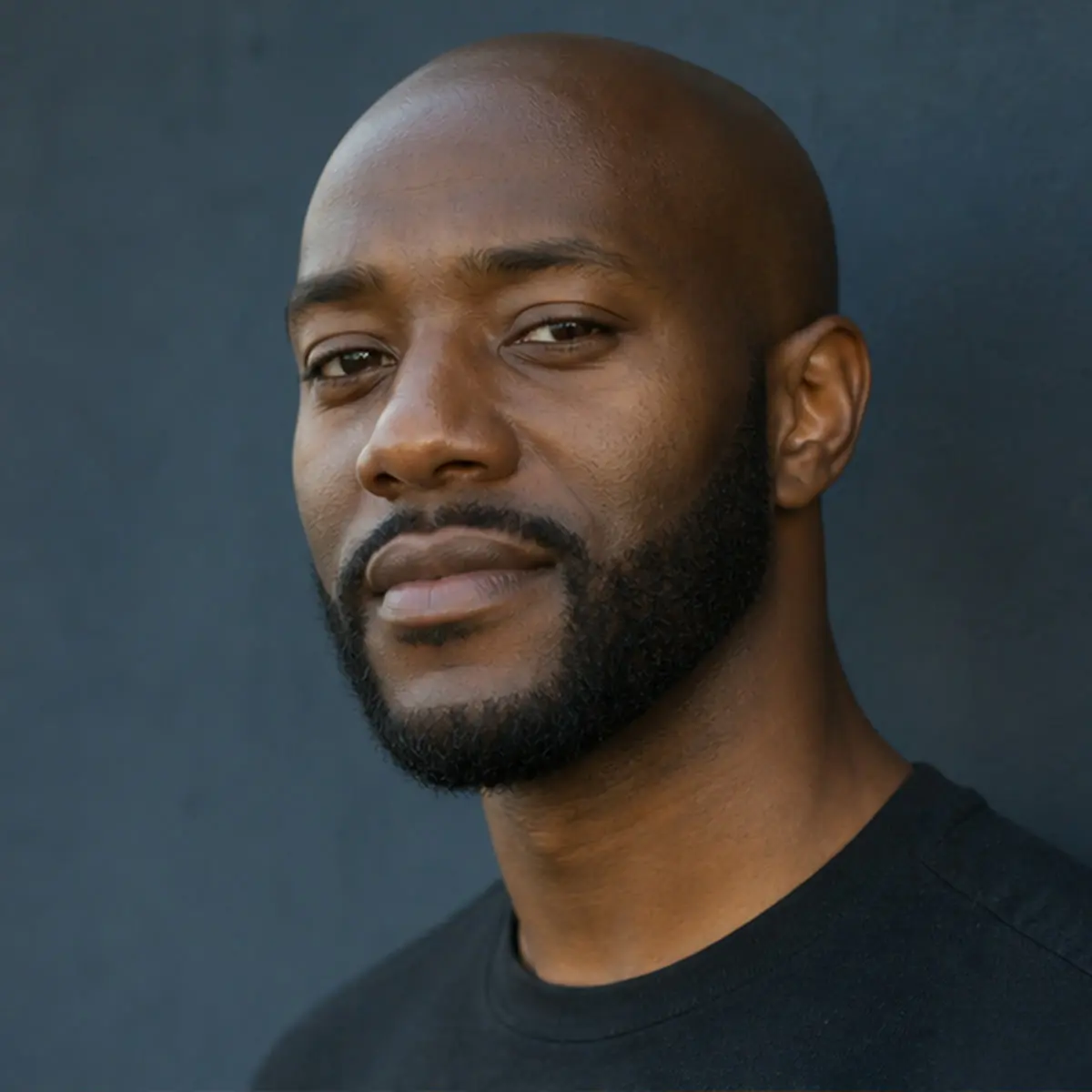
 Matte
Matte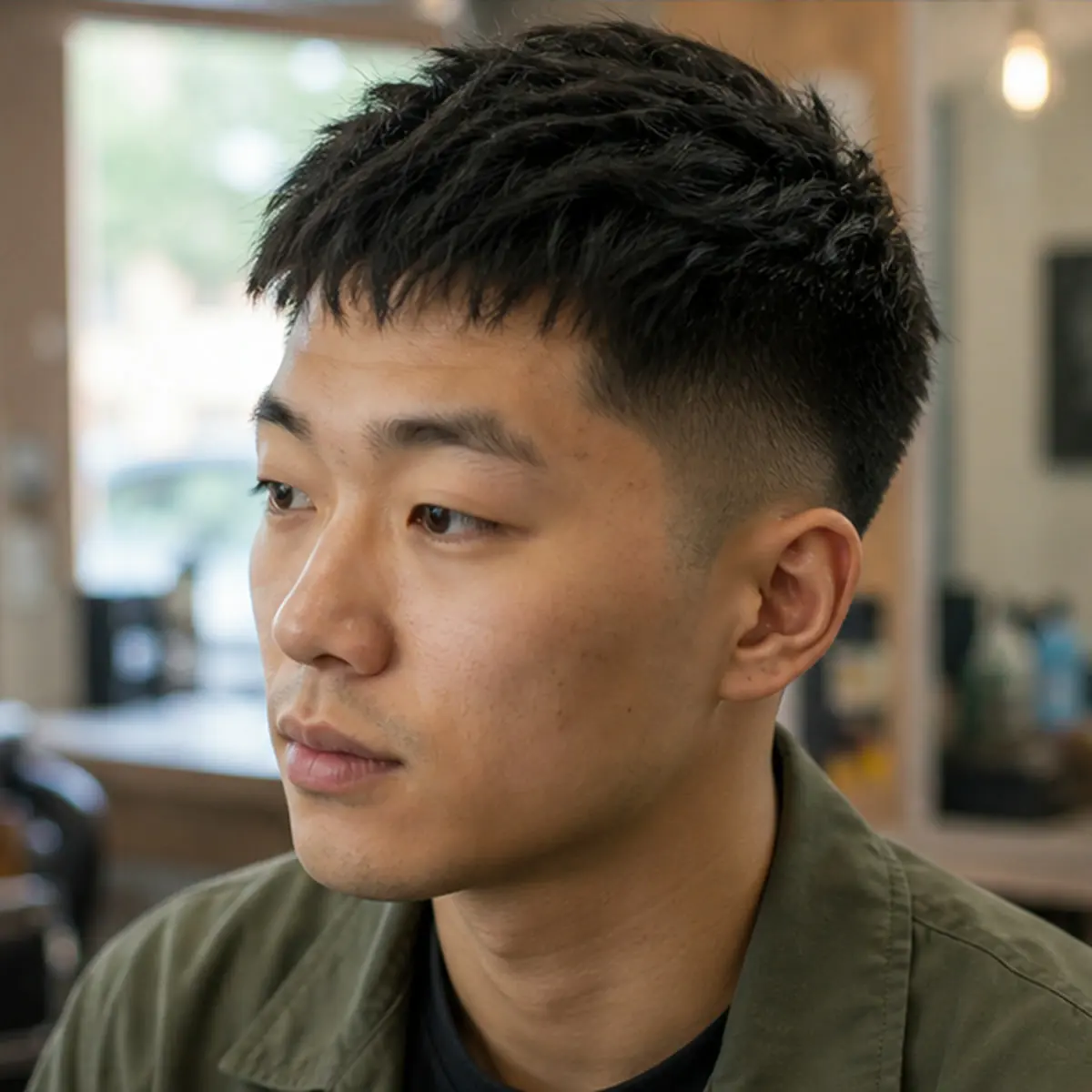 Textured Crop
AI Skin Analysis
Our AI analyzes visible skin tone and undertone direction, then gives you a practical foundation starting point with a clear confidence band.
Stop guessing. Foundation for men starts with a clearer preview: use our AI grooming tools to analyze your skin, preview invisible makeup looks, and find the perfect hairstyle—all before making any changes.
Private AI tools. New verified accounts receive 8 complimentary credits.
AI analyzes your visible skin tone and undertone direction.
Upload Your Photo · Drag & drop or click to upload a selfieUpload a clear photo to analyze visible skin tone, try a natural makeup preview, or discover your next hairstyle before you buy a product or book a haircut.
Upload or capture a selfie once, then complete every step without leaving this workspace.
We combine AI technology with men's grooming to solve the biggest fear: looking unnatural or making the wrong choice.
Our AI analyzes visible skin tone and undertone direction, then gives you a practical foundation starting point with a clear confidence band.
See a generated before/after preview. Explore how natural foundation and concealer could look before buying anything.
Experiment with different hairstyles virtually. See how a new cut or style could look on your face before visiting the barber.
Foundation for Men AI tools work better when analysis, makeup simulation, and hairstyle preview stay connected, restrained, and designed specifically for men.
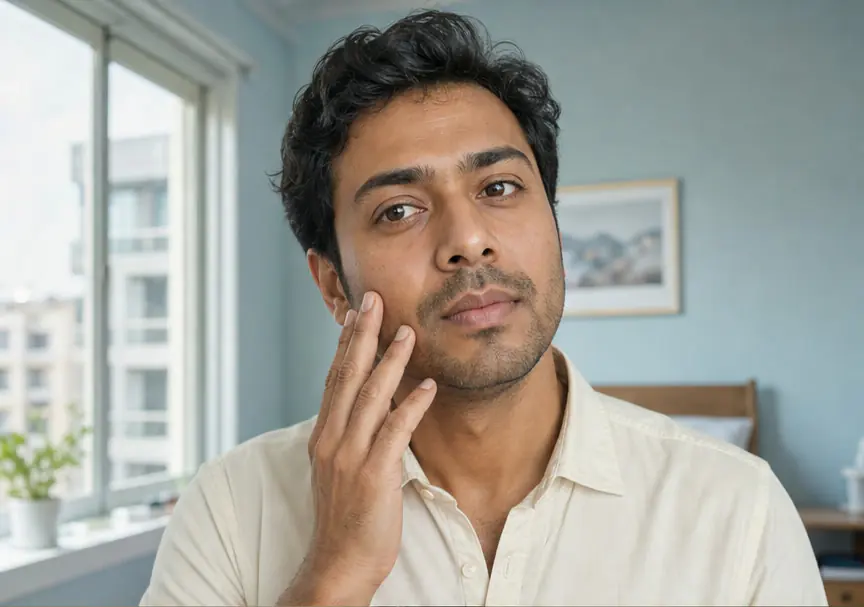 Illustrative The Analyst preview
The Analyst returns a visible tone family, undertone direction, confidence band, photo-quality notes, and a practical starting point for coverage and finish.
find your foundation direction from a photo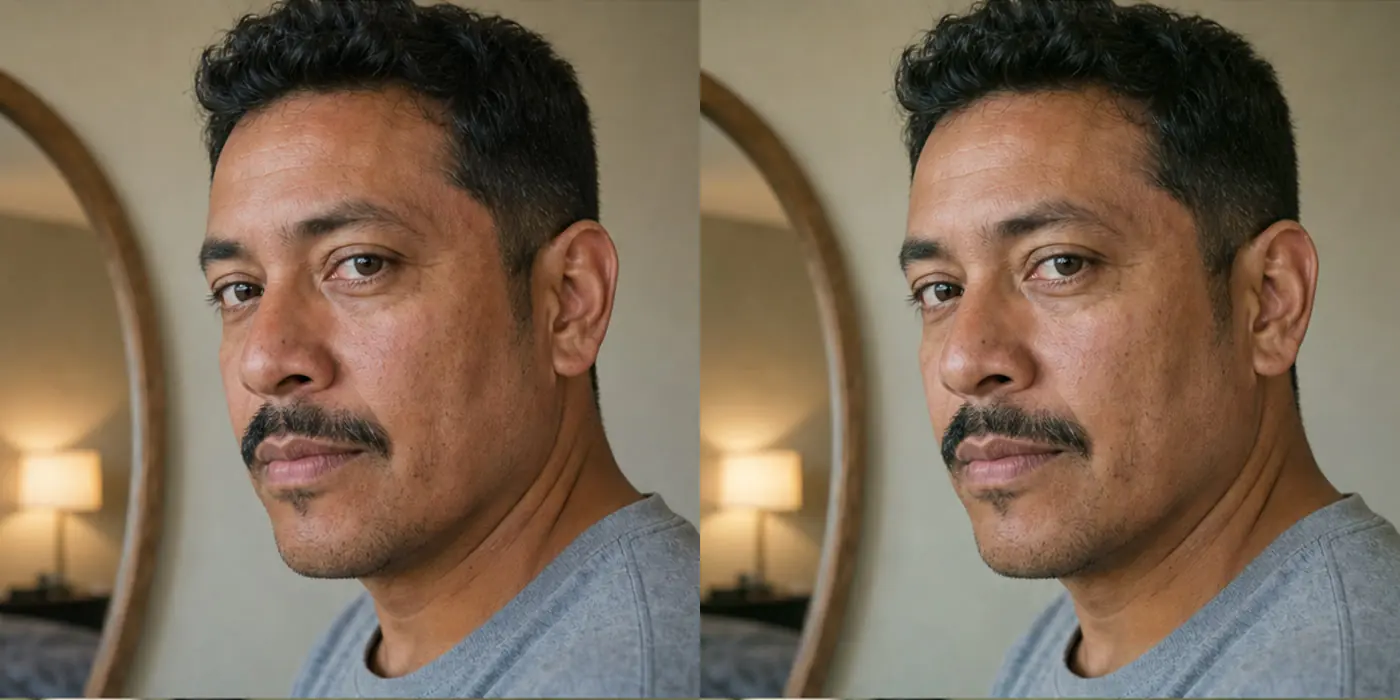 Illustrative The Simulator preview
The Simulator creates a private before / after preview for Natural, Matte, or Light Coverage while asking the model to preserve facial hair and skin texture.
preview a natural foundation finish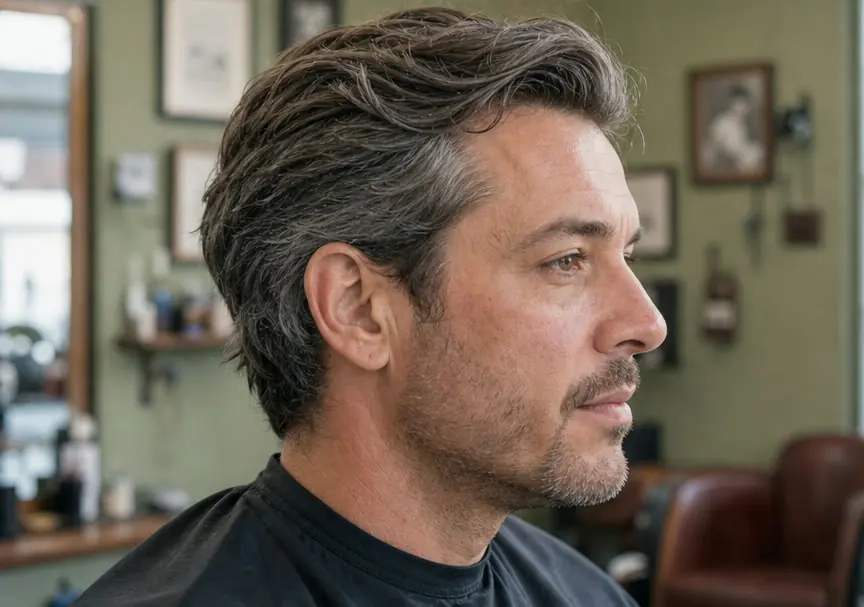 Illustrative The Hairstyles preview
The Hairstyles creates a private preview for one of six launch styles while asking the model to preserve identity, face shape, hairline, facial hair, skin, clothing, lighting, and background.
try a hairstyle before visiting the barberFoundation for Men AI tools work from one clear, front-facing selfie to provide practical guidance and private previews without pretending to guarantee an exact retail shade or haircut result.
Take a selfie in natural lighting. No filters: we need to see the real you to provide a useful result.
Select The Analyst for skin analysis, The Simulator for makeup preview, or The Hairstyles to try new looks.
View a structured analysis or generated before/after preview. Use it to make a more informed grooming decision.
Foundation for men can help before a job interview, video call, first date, product purchase, or barber visit by making each grooming choice easier to preview.
Understand your visible skin tone and undertone direction with a clear confidence band.
Preview how natural makeup could create a more even-looking complexion while keeping your authentic look.
Try six launch hairstyles virtually before committing to a new cut.
Explore a cosmetic preview for visible redness or uneven tone without treating it as medical advice.
Explore a restrained no-makeup look for business meetings and presentations.
Make informed grooming decisions with AI-powered visual previews.
Preview the intended result format before choosing a tool. These licensed images are illustrative formats, not claims that every photo will produce the same result.
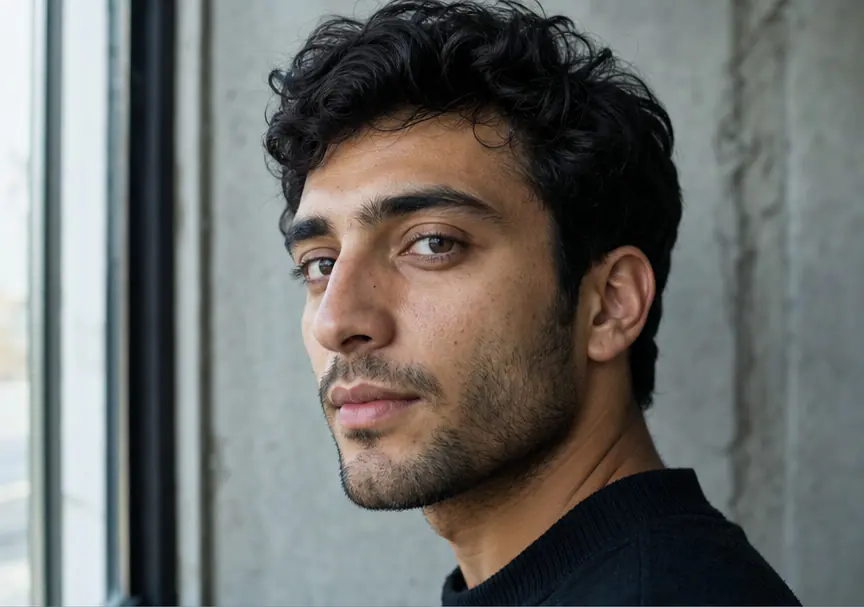
This illustrative result format shows visible tone, undertone direction, a confidence band, and clear limitations.
Illustrative Analyst format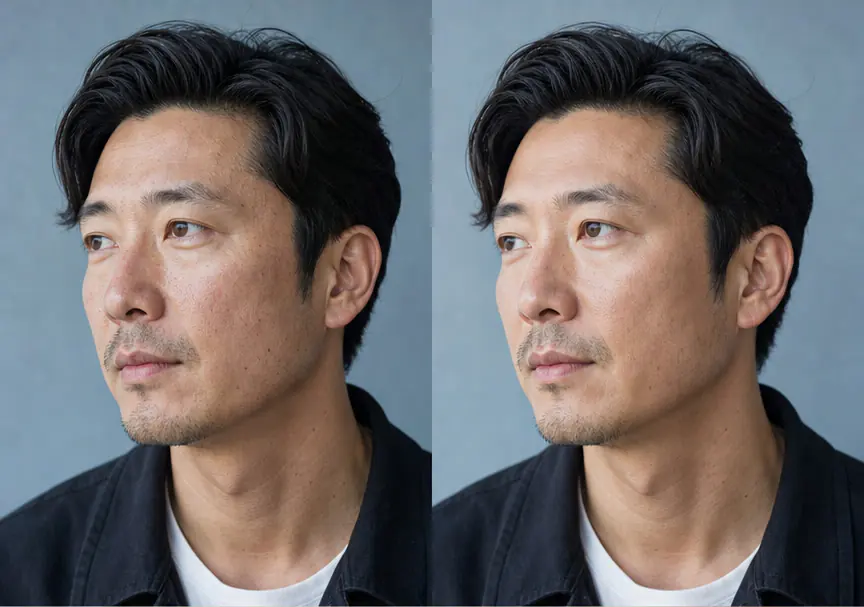
This illustrative comparison format documents the intended checks for identity, facial hair, and skin-texture preservation.
Illustrative Simulator format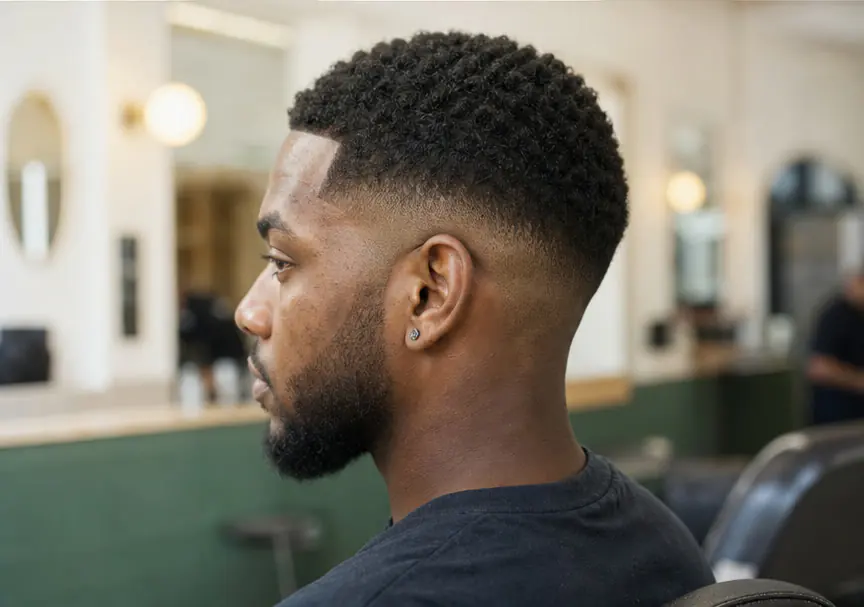
This illustrative hairstyle format documents the intended checks for face shape, hairline, facial hair, skin, clothing, and background preservation.
Illustrative Hairstyles formatNew verified accounts receive 8 complimentary credits. Compare the live Basic and Pro monthly or annual plans here, then sign in and continue through the shared private billing flow.
Foundation Men focuses on restrained Natural, Matte, and Light Coverage previews. A generated preview cannot guarantee how a real product will look, so confirm your choice with a real swatch in consistent light.
The Analyst gives a broad visible tone family, undertone direction, confidence band, and photo-quality note. It does not claim a percentage accuracy or an exact retail shade.
Upload a clear front-facing photo, choose one of six launch hairstyles, and Foundation Men generates a private preview while asking the model to preserve your identity, face shape, hairline, facial hair, skin, clothing, lighting, and background.
Yes. The Analyst, The Simulator, and The Hairstyles work in a supported mobile browser without an app download.
Use a well-lit photo in natural daylight. Face the camera directly, remove makeup and filters, and avoid harsh shadows or a bright background.
It creates a generated visual direction for Natural, Matte, or Light Coverage. It cannot reproduce a specific product, oxidation, camera white balance, or an in-person result.
The launch version includes Crew Cut, Buzz Cut, Textured Crop, Low Fade, Slick Back, and Medium Flow. More presets should be added only after real usage supports them.
Yes. AI execution requires a verified account so Foundation Men can apply credits, protect private results, and handle refunds safely.
Start with foundation for men guidance: analyze visible skin tone, preview a restrained makeup finish, or try a hairstyle before making a real-world change.